
ZATCA-Compliant E-Invoicing for Property Maintenance Jobs
Maintenance is where e-invoicing compliance quietly breaks: variable costs, split responsibility and invoices raised weeks after the job closes. Here is what a ZATCA Phase 2 maintenance invoice needs, and how a completed ticket becomes a compliant invoice automatically.
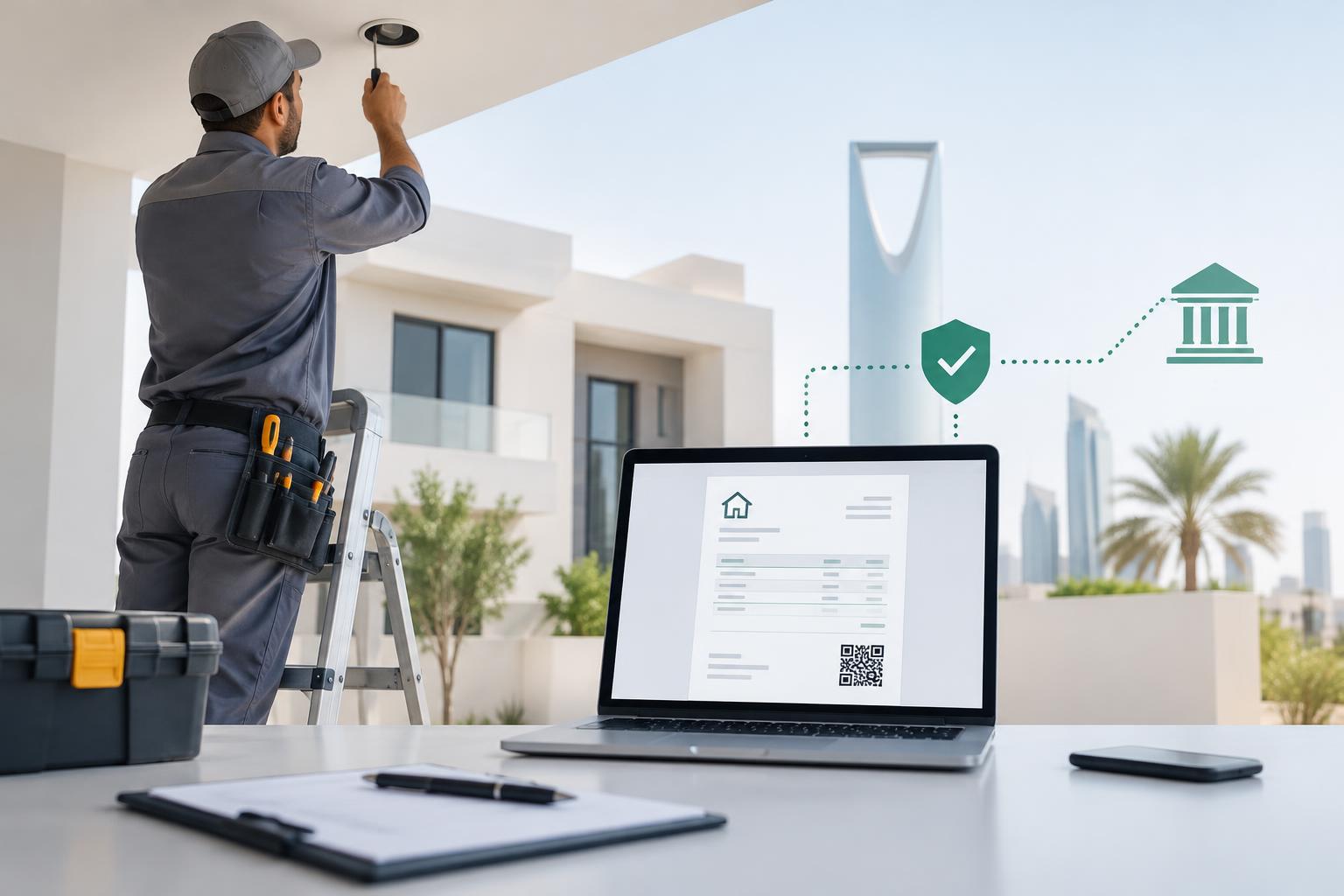
Maintenance is where e-invoicing compliance quietly breaks in Saudi property agencies. Rent runs on a calendar: one cycle, one invoice, every month. A maintenance job does not. It arrives as a WhatsApp photo, moves through a cost estimate and an approval, changes scope on site, and only becomes billable when it closes. By then the paperwork is behind, the VAT line is guessed, and the invoice gets batched with five others at month-end.
Maktabi generates the ZATCA invoice the moment a maintenance ticket reaches "completed" — with the VAT breakdown, the sequential number and the Phase 2 QR code already built in. Here is what that process covers, and what to check before you automate it.
Why maintenance invoices are the hard case
- Variable amounts. Labour and materials are separate line items, and the final cost may differ from the approved estimate.
- Split responsibility. Some jobs sit with the agency, some with the landlord — and the invoice has to follow the cost.
- Approval before work. The estimate is approved first; the invoice only exists afterwards.
- High volume, low value. Dozens of small tickets a month are easy to invoice late and hard to reconcile against the bank.
None of those are just admin problems. Each one is a gap between what happened on site and what your accounting system can prove.
What a compliant maintenance invoice has to carry
ZATCA (Zakat, Tax and Customs Authority) requires VAT-registered businesses in Saudi Arabia to issue structured e-invoices, not plain PDFs. Phase 1 is generation: structured XML plus a human-readable PDF. Phase 2 is integration: a cryptographic stamp and a QR code ZATCA can verify, with VAT-registered sellers onboarded in waves.
A maintenance invoice in Maktabi carries:
- The ticket title and description as the invoice basis
- Unit code and property name
- Labour and material line items
- Subtotal, VAT at 15%, and total
- A sequential invoice number, unique at database level
- The ZATCA QR code
- Customer name in Arabic and English, plus VAT number where applicable
The trigger matters: completed, not created
Most invoice errors come from raising the invoice too early. A ticket that is opened, routed and approved has not yet been delivered — and an invoice dated before the work is done creates a mismatch between the supply and the document.
Maktabi ties the maintenance invoice to the ticket status reaching "completed". At that point the system resolves the agency's tax configuration, builds the invoice from data it already holds, assigns the next number in your sequence, and dispatches it to Zoho Books. Nothing is retyped from a spreadsheet.
From WhatsApp request to ZATCA invoice
- Tenant submits via WhatsApp. Description and photos arrive on the number they already use. A ticket is logged with a reference.
- The system routes it. Responsibility is decided automatically — agency or landlord — and a default tradesperson can be dispatched immediately if one is assigned to the unit.
- AI builds a cost estimate. Historical tickets for the same unit, property and job type generate a cost range with a confidence score.
- The landlord approves in one tap. Where landlord approval is required, a Zoho Books estimate PDF goes to their WhatsApp with approve or reject — no portal login.
- The tradesperson is notified. Job details, unit location and tenant media are sent once approval lands. SLA timers start at assignment.
- The job completes and the invoice fires. Ticket details, labour and materials, subtotal, 15% VAT, total, sequential number and QR code are assembled automatically.
- The tenant receives it by email. Zoho Books produces the ZATCA-compliant PDF with the QR code and delivers it, with property, unit, period and VAT breakdown included.
Who gets invoiced — agency or landlord
A maintenance job can be the agency's cost or the landlord's. Maktabi attributes the invoice to whichever party is responsible for that ticket, so landlord statements and agency revenue stay clean without a manual split at month-end.
Tax modes, not one-size-fits-all
Not every agency is VAT-registered. Maktabi reads the configuration per agency — VAT-registered at 15%, non-VAT, zero-rated or exempt — and applies the correct invoice format automatically. For Saudi Arabia that means the ZATCA format, with QR code, e-invoice requirement and bilingual Arabic and English fields.
What this takes off your plate
- Fewer retypes. Invoice data comes from the ticket, not from a person re-entering numbers.
- No month-end backlog. Invoices are created as jobs close, not weeks later.
- One accounting source. Every invoice syncs to Zoho Books, with retry on failed syncs and Tap settlements synced as well.
- A defensible trail. The request, approval, estimate and final cost stay linked to the invoice.
What to check before you automate
- Confirm your VAT status and your ZATCA onboarding wave. That determines what you must issue and when.
- Decide your invoice numbering scheme first. Sequences are much harder to change once invoices have gone out.
- Map every revenue stream. Rent and maintenance are separate invoice types here — deposits are not revenue and should not be treated as one.
- Agree the invoice date policy with your accountant so document dates match your supply dates.
- Run one real job end to end before you go live: ticket, approval, completion, invoice, Zoho Books entry.
- Keep the evidence attached. Photos, the approved estimate and the completion record are what make an invoice easy to defend.
FAQ
Do rent and maintenance produce the same invoice? No. They are two separate automated invoice types, each with its own fields and trigger — rent when a cycle is marked paid, maintenance when a ticket is completed.
What happens if the accounting sync fails? The invoice stays stored in Maktabi and the sync job retries, so the record is not lost.
Does this replace my accountant? It replaces the manual entry between operations and accounting. Your accountant still owns the tax treatment — confirm any specific case with them and with ZATCA guidance.
Start with one completed ticket
Pick a maintenance job you have already closed and trace it: the WhatsApp request, the approval, the final cost, the invoice. If any step depends on someone remembering to do it later, that is the gap to close first.
E-invoicing integration is included on Maktabi's Professional and Business plans. See how it works, or run one job through it before you decide.