
WhatsApp Maintenance Ticketing for Rental Properties: From Chat to Closed Job
Tenants already use WhatsApp. The missing piece is a ticketing workflow that captures every request, routes it to the right party, and closes the loop with an approval and an invoice.
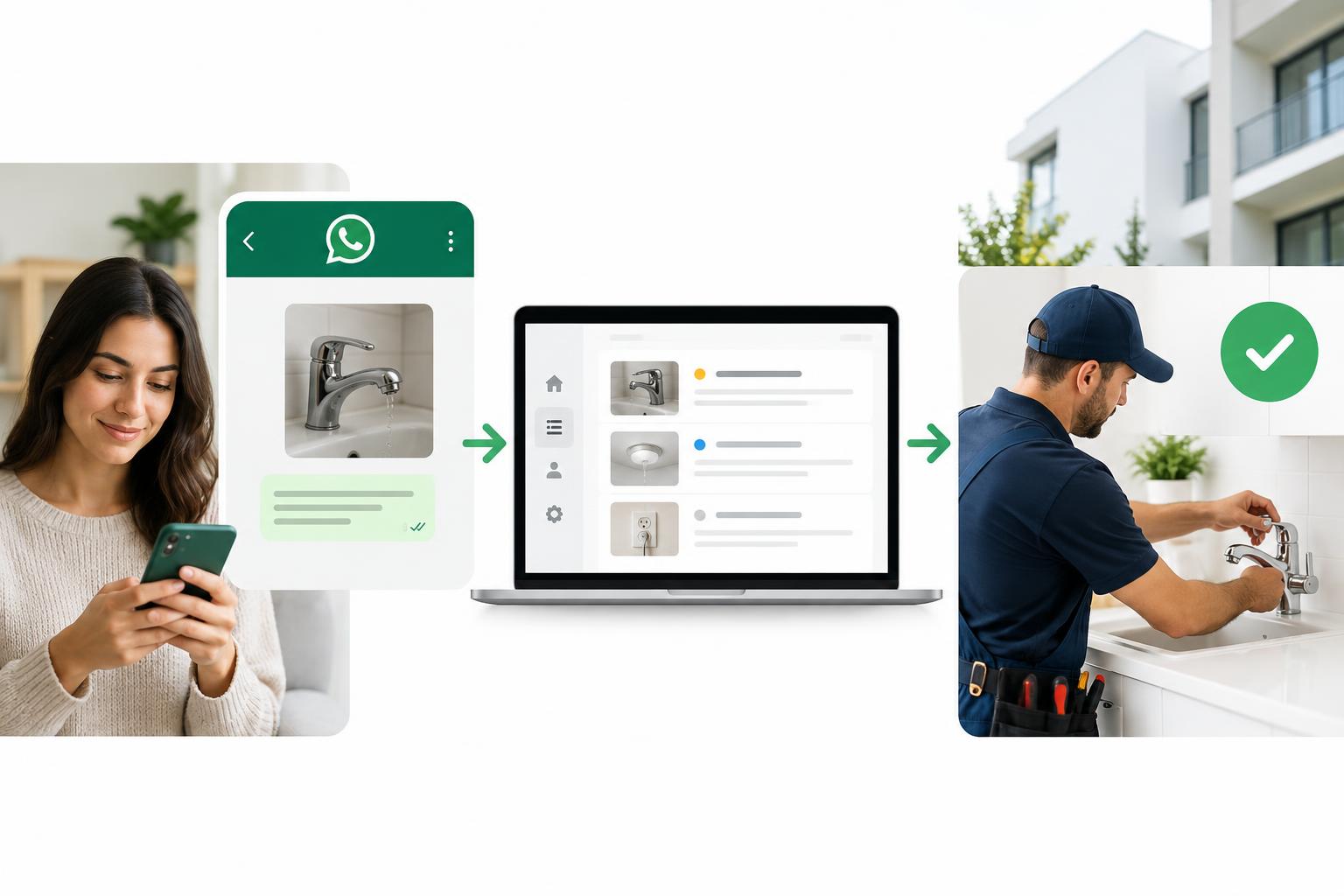
Maintenance requests rarely arrive in a tidy format. A tenant sends a photo of a leaking pipe at 9pm, follows up with a voice note, and the landlord asks for an update before anyone has opened a job sheet. WhatsApp makes the conversation easy. Without a ticketing layer, it also makes the work easy to lose.
For rental property teams in Saudi Arabia, the goal is not to move tenants off WhatsApp. It is to turn every maintenance conversation into a structured, auditable job — with a reference, an owner, a deadline, and a cost trail.
Why WhatsApp needs a ticketing layer
Tenants already use WhatsApp. It is familiar, fast, and supports photos and videos — the evidence a maintenance team needs. Maktabi's WhatsApp page cites a 98% open rate for WhatsApp compared with 20% for email. That speed matters, but speed without structure creates a shadow process: requests sit in personal chats, approvals arrive as voice notes, and no one can prove when a job was reported.
A ticket is not a chat thread. It is the system of record around the conversation. At minimum, it should capture the tenant, unit, property, lease, category, description, media, timestamp, responsibility, approval status, assigned tradesperson, SLA targets, cost, and completion evidence.
The seven-step maintenance workflow
1. Make intake effortless
Give tenants one agency WhatsApp number and a short set of prompts: what is the issue, where is it, and can you send a photo or video? The reply should confirm the request and provide a ticket reference. The tenant should never need an app or portal login to report a problem.
2. Create the ticket automatically
A staff member reading messages is not a ticketing system. The platform should create a ticket automatically from the inbound message, attach the media, and log the time. That timestamp is the start of accountability.
3. Route responsibility before dispatch
Check the property or lease policy to decide whether the agency or landlord pays. If a default tradesperson is assigned to the unit, the job can move immediately. If not, it should queue for the right owner. Manual routing is where delays and disputes begin.
4. Put a cost estimate in front of the approver
Approval without context gets ignored. Put the job description, tenant photos, cost range, and urgency in one message. For landlord-responsibility work, the owner should be able to approve or reject from their phone without learning a new portal.
5. Send a complete job pack
Once approved, send the tradesperson the unit, issue, media, access details, and contact. A clear pack reduces repeat visits and callbacks.
6. Start the SLA clock at assignment
Set response and resolution targets by job type. Start the clock when the ticket is assigned, not when someone remembers to follow up. If a deadline is missed, escalate automatically to the tradesperson, agency manager, or landlord according to policy.
7. Close with evidence and an invoice
Capture completion notes, final cost, and an invoice. Reopen the ticket if the issue returns. The audit trail should connect the original report, approval, work, and payment.
How Maktabi runs this on WhatsApp
Maktabi uses WhatsApp as the primary channel for its property management workflow. Tenants submit a request to the agency's WhatsApp number — no app download or portal registration. The system logs a ticket and sends a reference back. It reads the request, determines whether the agency or landlord is responsible, and dispatches the default tradesperson when one is configured.
When landlord approval is required, Maktabi generates a Zoho Books estimate PDF with an AI cost range based on historical tickets for the same unit, property, and job type. The estimate goes to the landlord's WhatsApp with photos attached. The landlord approves or rejects in one tap, with no login. The tradesperson is notified only after approval and receives the unit, description, and tenant media.
Response and resolution timers start automatically. Missed deadlines trigger WhatsApp escalations to the tradesperson, agency manager, or landlord based on the escalation policy. Maktabi connects through the official WhatsApp Business API via 360dialog or the agency's own WABA, using pre-approved bilingual templates. Every message, reply, approval, and confirmation is logged against the tenant, unit, and lease in the dashboard. On completion, the system sends a completion notification with the final cost and auto-generates the invoice.
Approval rules that protect landlord relationships
Not every job needs the same approval path. Set thresholds by cost, category, and responsibility. A leaking pipe may need immediate action with approval to follow; a cosmetic repair can wait. For owner-paid work, include the evidence and a cost range, not just a request. Silence is not approval. If the landlord does not respond, escalate through a delegated contact. The landlord portal gives owners a read-only view of properties, tenants, transfers, and maintenance costs, while approvals stay on WhatsApp.
Metrics that show the process is working
- Time to first response and time to responsibility decision.
- Approval cycle time, from request to landlord decision.
- SLA adherence by job type and tradesperson.
- Estimate accuracy: final cost versus approved range.
- Reopened tickets and repeat visits.
- Tenant satisfaction after closure.
Review them weekly. Fix the bottleneck with the longest delay first.
A practical rollout sequence
- Clean property, unit, lease, and landlord records.
- Write responsibility rules for common job types.
- Load tradespeople and default assignments.
- Set approval thresholds and escalation contacts.
- Pilot with one portfolio or property group, then review the first 20 tickets before scaling.
Plan fit before rollout
Maktabi's published plan table lists a Free plan for up to 5 properties and 30 units, Professional at 498 SAR per month for up to 30 properties and 200 units, and Business at 999 SAR per month for up to 70 properties and 700 units. Maintenance request management and work-order assignment appear in the Business plan. Check the plan table against your portfolio before you commit.
WhatsApp gets the request in. Ticketing gets it done. Start with one number, one reference format, and one set of responsibility rules. Then measure the handoffs — that is where maintenance performance is won.